 Defingo.net
Aruba Atmosphere 2019
March 31 - April 5, 2019
Las Vegas, NV
This is just a quick rundown and sync up for the sessions I went through. There was a lot to process.
Mobility v8 Level 1
It was 3 days of training on v8, and good stuff IMHO but I want go into details in email. My training books are in the office if you wanted to look through them. I feel better about the Mobility Master role and the configuration hierarchy.
Simplified IoT Onboarding: Using the New Device Provisioning Protocol (DPP)
Dan Harkins
The WiFi Alliance calls it “Wi-Fi Easy Connect” to be consumer friendly. Basically a way to scan a QR code and push a configuration to a limited or headless client device. This is what they used on the Zebra printer during the tech keynote. It uses device public and private keys and is configured “online” through a key exchange with the MC/MM. It can provision WPA2 or WPA3 networks. DPP is nice, but new and not fully flushed out IMHO. It has other competing configuration processes like soft-aps, zigbee, Bluetooth, etc. They didn’t have a portfolio of devices to present that supported it at this time, other than the Zebra.
IoT Services - The expanding role of your Aruba WLAN
Tim Vanevenhoven
An interesting talk about the Bluetooth and zigbee radios in the new APs. They showed a handful of devices currently supported such as door locks and switches. Apparently they want input from customers about what additional devices to support. I gathered at this point in time, it mostly works as a zigbee to wired bridge. Client devices send specifically formatted frames to the AP which turns that into a packet sent to a defined management system.
Wi-Fi Basics: RF Nuts and Bolts
Eric Johnson
This was all about RF, ranging from antenna basics to the RF absorption rates of the human body. They covered db math and overall it was very “mathy” which was interesting. Some time was spent on antenna placement including reading antenna radiation patterns, coverage angles and height/tilt degree ratios. But a good chunk of time was spent trying to prove RF doesn’t hurt the human body (i.e. Wi-Fi headaches).
Wi-Fi that’s Brewed up Right: Deploying and Maintaining High-Performance Wi-Fi Networks
Joel Crane (Ekahau), Jerry Olla (Ekahau)
This turned out to be Ekahau specific. While interesting, I didn’t find a lot of value other than just seeing their interface and product at work. Aruba pushes automatic channel plans, so it confused me a bit when they focused on the channel planning tool in their product. Overall, it was cool but only if it was something we were using.
What is 802.11ax and Why Do I need It?
Onno Harms
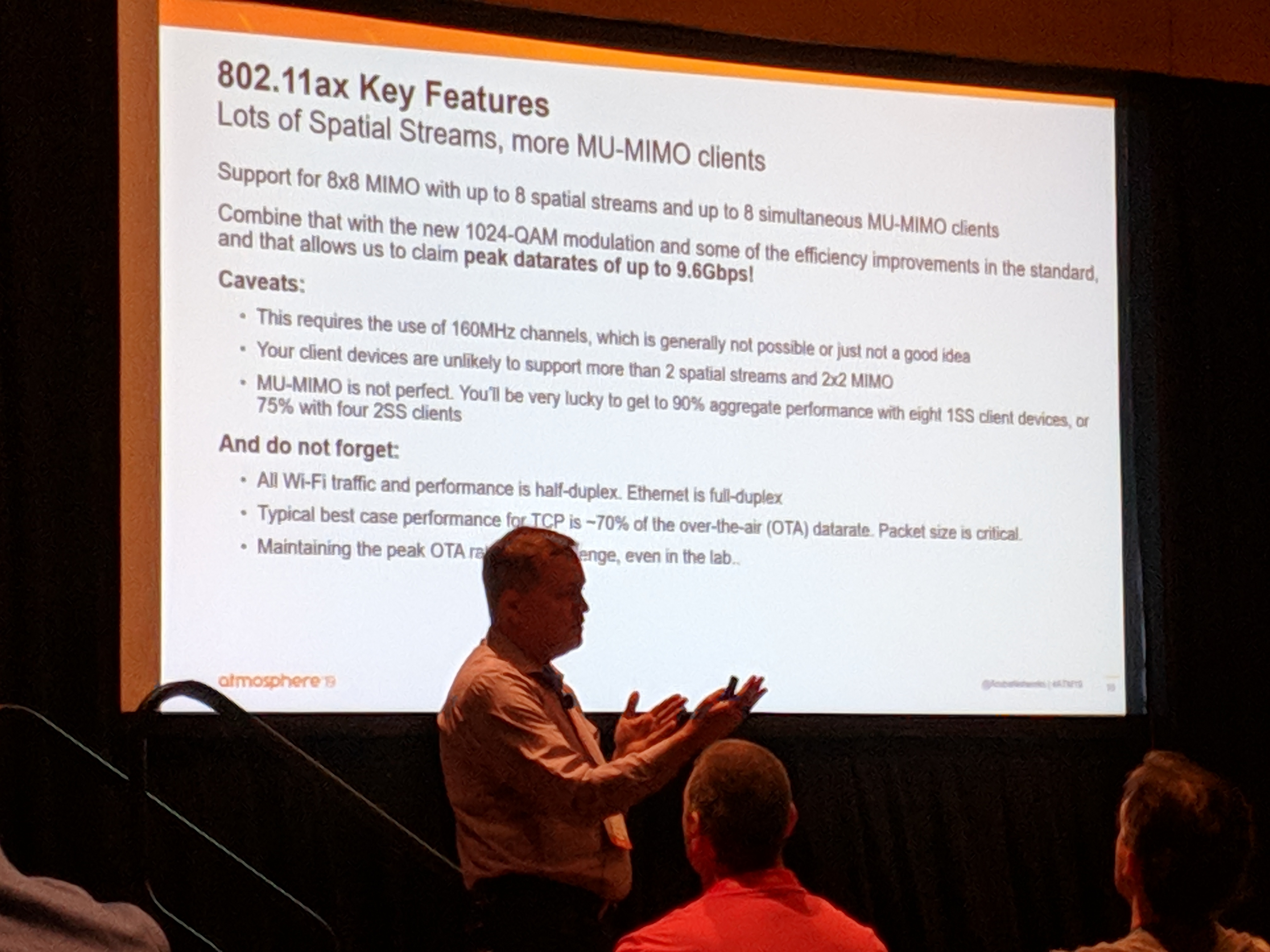
Probably the most interesting talk, since it was about Wi-Fi 6 (he said he needed to rename his talk title). He spent some time talking about existing chipset support and what is integrated into Aruba’s aps. Apparently Aruba Aps are ready to do it, since they skipped the first generation of chipsets. He covered some basics like the currently low client support and upcoming wave 1 and 2 of features. Adoption is an issue since he said you’d need at least 10% of your clients on it to see any kind of performance improvement. OFDMA upstream vs downstream is also an issue, since they are only supporting downstream in wave 1 and downstream only can be slower than existing methods due to all the client ACKs. OFDMA splitting sub-channels into resource units per client is neat but suffers just the same when older clients are present and the new methods cannot be used. Some features like the Wi-Fi Enhanced Open are optional for certification, although this sounds awesome for our open networks.
Design Fundamentals: Aruba Campus Network Design
Ben Thomas
He spent some time talking about wired designs, but most of the concepts could be bridged over to other wired vendors. The wireless discussion was regarding models and how the controllers are connected. He provided a copy of his slides, so I’m attaching them also.