 Defingo.net
Cloudflare Overview
Cloudflare fills 3 roles for my homelab, although I haven’t finished digging through their product suite to find more neat tools.
DNS Firewall
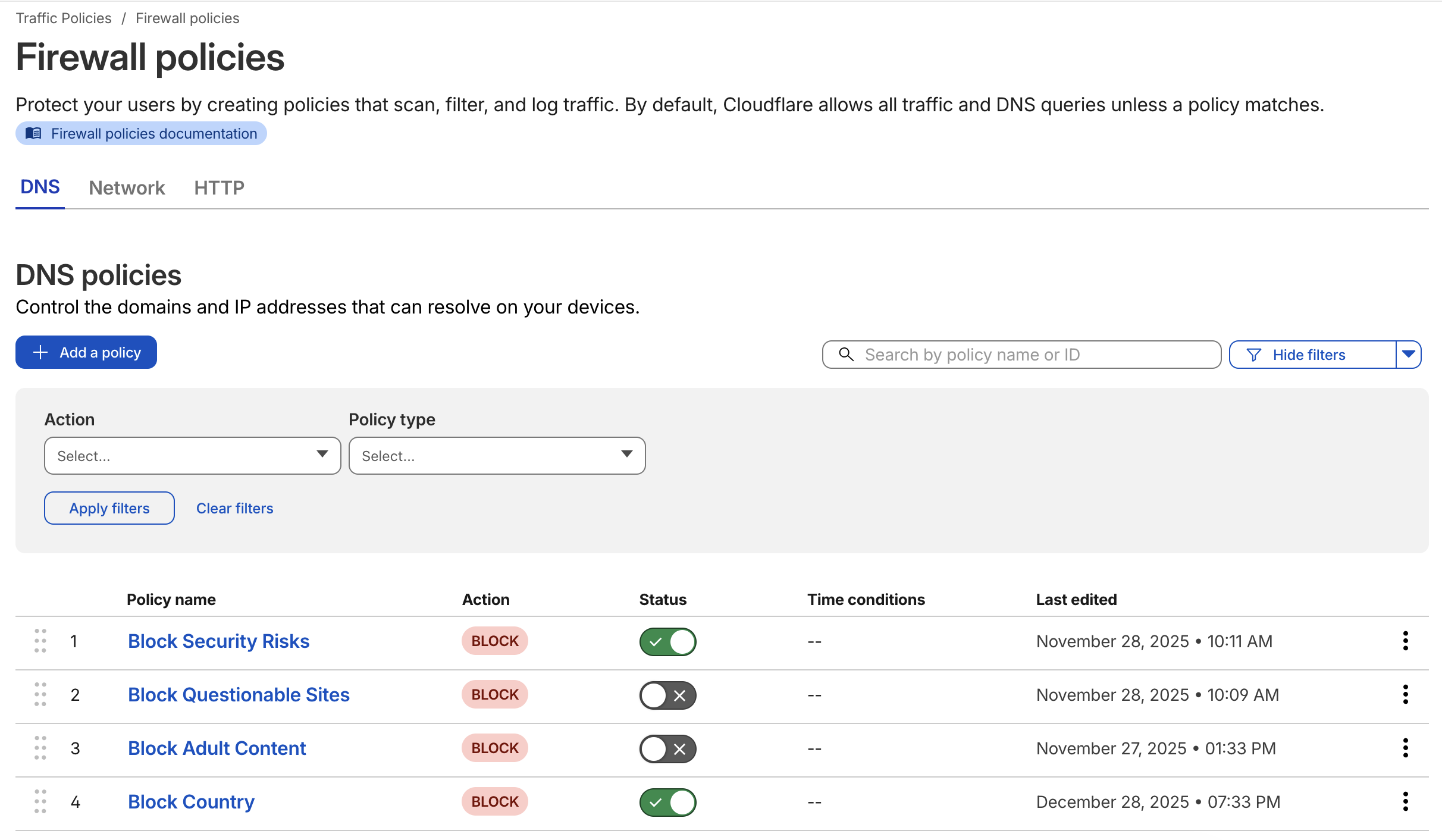
Most people know of Cloudflare’s public 1.1.1.1 DNS resolver, but if you take a look deeper into their Zero Trust product suite you’ll find their Gateway product. You can identify your traffic specifically and apply a custom DNS based firewall policy. The one I use at home is below.
This works well with Unifi’s DNS Guard product, which you can tie to your Cloudflare accounts DNS over HTTPS service for more privacy.
Access Tunnels
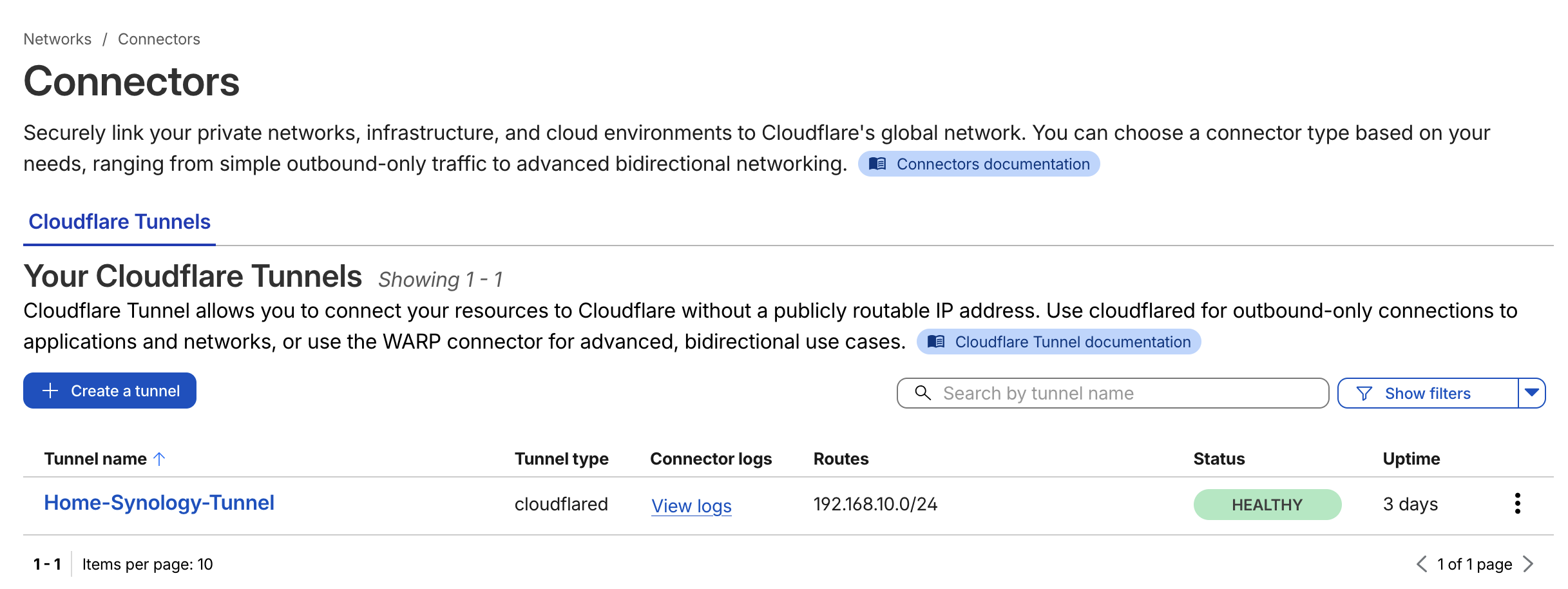
You’ll find plenty of documentation around Cloudflare Tunnels, but you’ll also find they are very useful. For my homelab, I can expose individual applications to the greater Internet but also apply access policies for identity providers, service tokens, or more general rules like country blocking.
Content Hosting
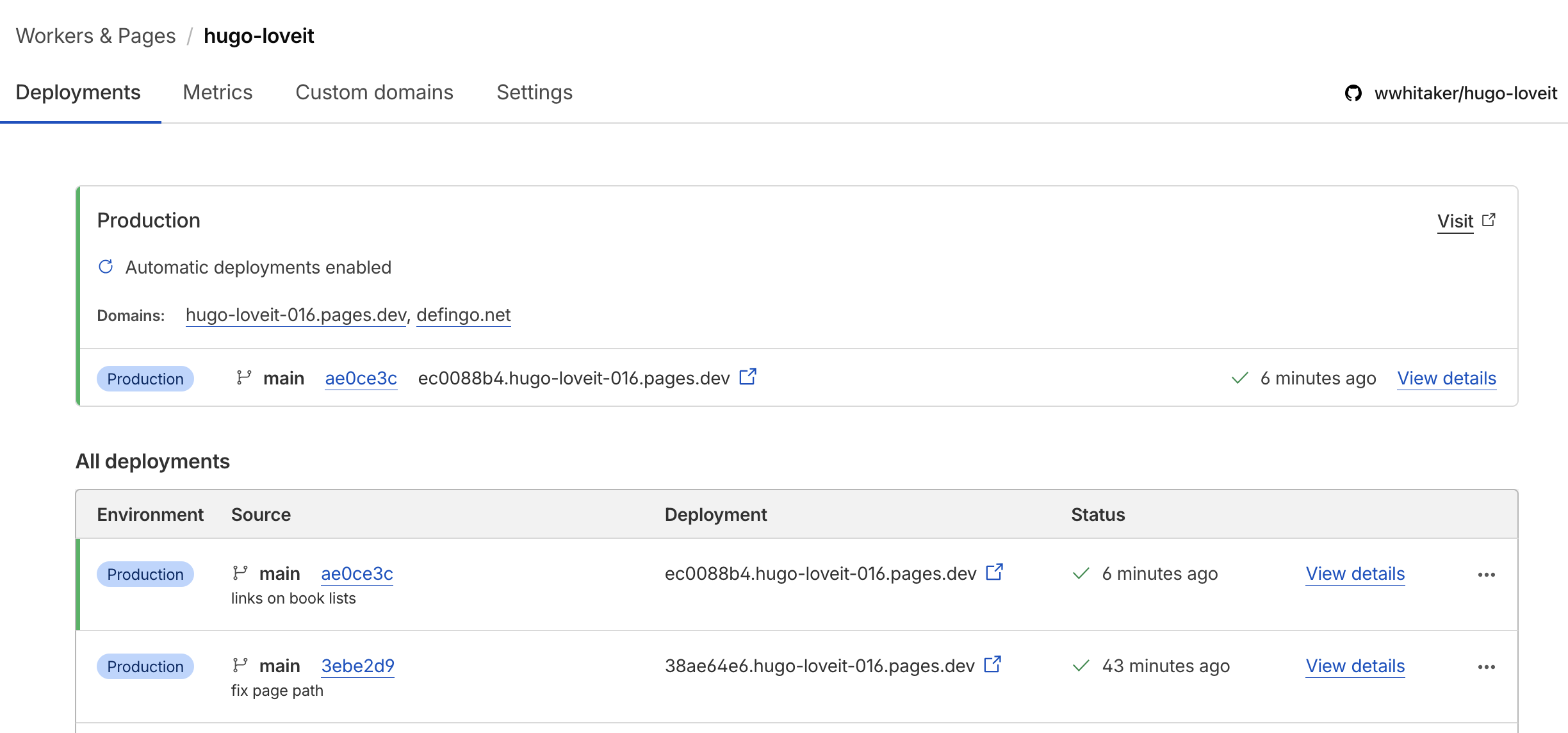
My first exposure to Cloudflare was with their content delivery network. I learned they can easily host static websites and integrate nicely with GitHub. That allowed me to spin up this site with their Pages product.
Wrap Up
The cool thing about Cloudflare is that I’m still on the “free” tier of service for everything I use. The only exception is their DNS registrar service but that’s something I’d have to pay anywhere. I’d recommend looking into it.